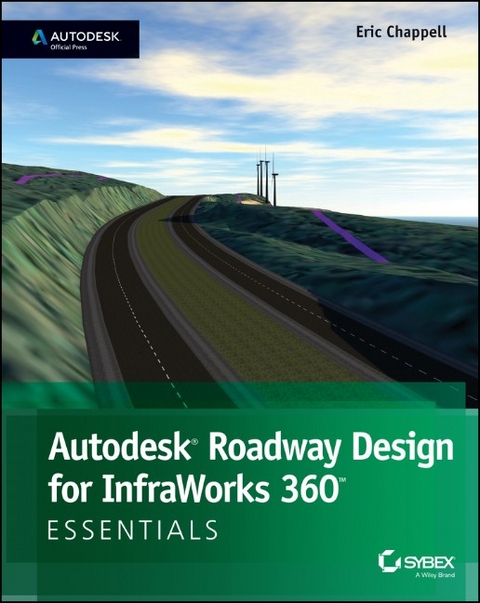
Autodesk Roadway Design for Infraworks 360 Essentials
John Wiley & Sons Inc (Verlag)
9781118915950 (ISBN)
- Titel erscheint in neuer Auflage
- Artikel merken
* Offers a how-to guide for accessing the exercises and task-based tutorials that will allow users to quickly become productive with the InfraWorks' roadway software module * Reveals the basics for creating compelling simulations and visualizations * Shows how to store, manage, and share roadway design models * Teaches how to access the software's unique design tools Autodesk Roadway Design for InfraWorks 360 Essentials is the one guide that offers the key to unlocking the potential of powerful design and collaboration software.
About the Author Eric Chappell has been working, teaching, writing, and consulting in the world of civil engineering software for more than 20 years, and he is a recognized expert in the world of Autodesk InfraWorks 360 software. He has written training materials and performed training for end users, trainers, and Autodesk employees around the globe, including at Autodesk University; and he has worked with Autodesk in authoring and developing their certification exams. Eric is currently a Premium Services Specialist at Autodesk but he previously served as design systems manager for Timmons Group, a civil engineering and surveying firm, where he managed software, standards, and training for more than 200 users.
Introduction xiii Chapter 1 Getting Started 1 Understanding the Capabilities of Roadway Design for InfraWorks 360 1 Engineering Geometry 1 Rules-Based Design 3 Profiles 4 Intersections 5 Sight Distance Analysis 5 Profile Optimization 6 Generate Civil 3D Drawings 7 Navigating Roadway Design for InfraWorks 360 8 Analysis Toolbar 9 Design Toolbar 9 Review Toolbar 10 Exercise 1.1: Explore Roadway Design for InfraWorks 360 11 Chapter 2 Designing Roads 15 Creating Roads 15 Exercise 2.1: Create Design Roads 18 Introducing the Road Asset Card 20 Editing Roads Graphically 20 Editing with Gizmos 21 Exercise 2.2: Edit a Road Using Gizmos 23 Editing with the Context Menus 25 Exercise 2.3: Edit a Road Using Context Menus 29 Working with Style Zones 31 Exercise 2.4: Apply Style Zones 32 Working with Lane Zones 35 Exercise 2.5: Edit the Number of Lanes 36 Configuring Roadside Grading 37 Fixed Width 37 Fixed Slope 38 Exercise 2.6: Configure Roadside Grading 39 Using the Profile View Panel 41 Editing in Profile View 45 Exercise 2.7: Edit in Profile View 46 Working with Intersections 48 The Intersection Asset Card 49 The Turning Zone Asset Card 50 Intersection Gizmos 51 Working with Widening Zones 53 Exercise 2.8: Design an Intersection 55 Chapter 3 Using Advanced Functions 59 Using Profile Optimization 59 Using the Profile Optimization Panel 60 Exercise 3.1: Optimize Your Profile 65 Getting Your Optimization Results 67 Exercise 3.2: Get Your Optimization Results 69 Analyzing Sight Distance 71 Analyzing a Roadway for Sight Distance 72 Exercise 3.3: Analyze a Road s Sight Distance 75 Analyzing an Intersection for Sight Distance 77 Exercise 3.4: Analyze an Intersection s Sight Distance 79 Creating Civil 3D Drawings 82 The Select A Model Road View 83 The Select Surface View 84 The Specify Civil 3D Options View 85 The Final Result 86 Exercise 3.5: Generate Civil 3D Drawings 87 Index 91
| Erscheint lt. Verlag | 30.9.2014 |
|---|---|
| Verlagsort | New York |
| Sprache | englisch |
| Maße | 192 x 237 mm |
| Gewicht | 220 g |
| Themenwelt | Sachbuch/Ratgeber ► Natur / Technik |
| Technik ► Bauwesen | |
| ISBN-13 | 9781118915950 / 9781118915950 |
| Zustand | Neuware |
| Informationen gemäß Produktsicherheitsverordnung (GPSR) | |
| Haben Sie eine Frage zum Produkt? |
aus dem Bereich