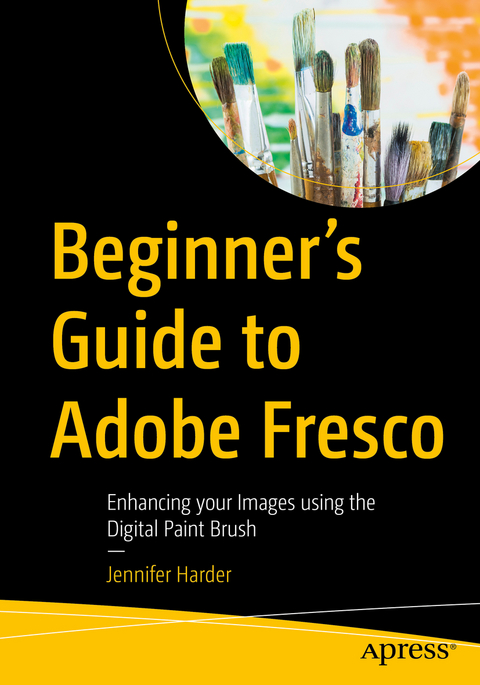
Beginner’s Guide to Adobe Fresco
Apress (Verlag)
979-8-8688-1556-0 (ISBN)
If you are not familiar with Fresco, you may want to know what its practical applications are for your next design project. This book will explore how Fresco can be used as a stand-alone creative application using its various tools and panels. However, we will also look at how to import your current artwork created with other Adobe Applications like Photoshop into Fresco to enhance the design. Later we will look at Fresco’s basic animation options as well. Finally, we will look at Export options so that you can use the final files for projects and share them with other Adobe applications outside of the Creative Cloud desktop file folder.
You will discover that Fresco is a great application to add to your “tool belt” of knowledge when your clients ask that additional artistic brush effects be applied to a project. You will also see the various similarities between it, Photoshop, and Illustrator.
You Will
Master use of Tools and Panels to enhance your artwork in a new document
Discover the many brush options available within Fresco
Find out how to import artwork into Fresco to edit
Learn to create a GIF animation within the Fresco application
Grasp how to export your completed artwork for other Adobe applications
Who Is This Book For
This book is ideal for beginners; however, some prior experience with using Photoshop and Illustrator to create or color correct the main images before importing is useful. Some information will be briefly discussed regarding these Adobe applications as it specifically applies to Fresco.
Students and graphic designers who want to add further brush embellishments to their projects while working with Fresco and other Adobe applications.
Jennifer Harder has worked in the graphic design industry for over fifteen years. She has a degree in graphic communications and is currently teaching Acrobat, and Adobe Creative Cloud courses at Langara College. She is also author of several Apress books and related videos.
Chapter 1: What is Adobe Fresco?.- Chapter 2: Starting a New Document in Fresco.- Chapter 3: Exploring the Workspace of Fresco and Its Tools: Part 1.- Chapter 4: Exploring the Workspace of Fresco and Its Tools: Part 2.- Chapter 5: Working with Layers in Fresco and the Vertical Taskbar.- Chapter 6: Working with Drawing Aids on the Canvas.- Chapter 7: Importing Images and Editing.- Chapter 8: Basic Animation in Fresco.- Chapter 9: Exporting, Editing Files & Using Them Later in Other Adobe Apps.
| Erscheinungsdatum | 15.06.2025 |
|---|---|
| Zusatzinfo | 650 Illustrations, color; 139 Illustrations, black and white |
| Verlagsort | Berkley |
| Sprache | englisch |
| Maße | 178 x 254 mm |
| Themenwelt | Mathematik / Informatik ► Informatik ► Programmiersprachen / -werkzeuge |
| Mathematik / Informatik ► Informatik ► Software Entwicklung | |
| Schlagworte | Adobe Creative Cloud • drawing • Export options • fresco • graphics |
| ISBN-13 | 979-8-8688-1556-0 / 9798868815560 |
| Zustand | Neuware |
| Informationen gemäß Produktsicherheitsverordnung (GPSR) | |
| Haben Sie eine Frage zum Produkt? |
aus dem Bereich