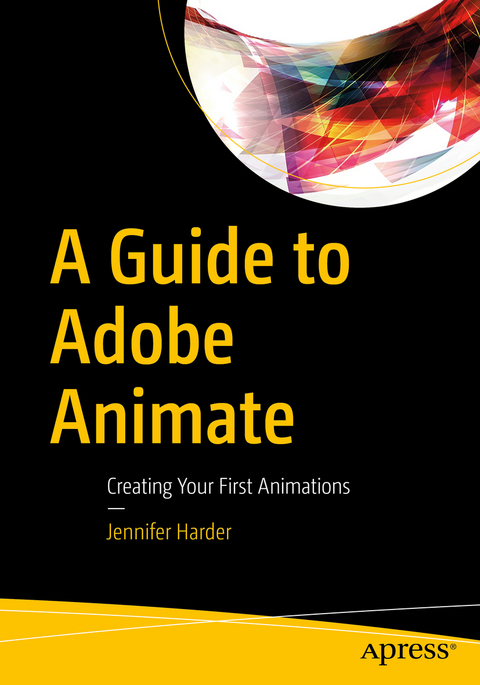
A Guide to Adobe Animate
Apress (Verlag)
979-8-8688-2179-0 (ISBN)
- Titel nicht im Sortiment
- Artikel merken
In this book we will start by looking at an overview of Animate. You will create and review some projects and use various assets that you created or are created by Adobe to make some basic animation sequences that you can use for your next project. We will also look at how we can edit movements, which may include the representation of speed, rotation, human walking, and animal movement as well as speech, to make the action in the scene appear more fluid. You will also see how to incorporate sound/audio. Finally, you will publish the completed animation in a variety of formats.
Readers will appreciate how they can quickly turn their imported Illustrated vector drawings or background graphics into a short animation that they can use in their next project.
You Will
Discover which applications to use for creating your assets
Find out how to use basic and some advanced tools in Animate
Learn to publish your animations in the correct format for your own projects
Who This Book Is For
Professionals who would like to start using this application for their next project but need some guidance on how to use the basic tools would find the book valuable.
Jennifer Harder has worked in the graphic design industry for more than twenty years. She has a degree in graphic communications and has taught Acrobat and Adobe Creative Cloud courses at Langara College. She is also author of several Apress books and related videos.
Chapter 1 Introduction and Setting Up the Workspace.- Chapter 2 Working with the Tools Panel: Part 1 - Shapes, Colors, and Selections.- Chapter 3 Working with the Tools Panel: Part 2 - Pens, Brushes, and Text.- Chapter 4 Importing Graphics.- Chapter 5 Working with the Timeline Panel and Adding Layers.- Chapter 6 Symbol Animation and the Timeline Panel: Part 1.- Chapter 7 Symbol Animation and the Timeline Panel: Part 2.- Chapter 8 Working with Motion Presets, Camera, and Layer Depth.- Chapter 9 Working with Assets and Advanced Features: Animating Characters: Part 1.- Chapter 10 Working with Assets and Advanced Features: Animating Characters: Part 2.- Chapter 11 Adding Sounds and Basic Actions to the Timeline.- Chapter 12 Publishing your Animation in Various Formats and Next Steps.
| Erscheinungsdatum | 29.11.2025 |
|---|---|
| Zusatzinfo | Approx. 500 p. |
| Verlagsort | Berkley |
| Sprache | englisch |
| Maße | 178 x 254 mm |
| Themenwelt | Kunst / Musik / Theater ► Film / TV |
| Mathematik / Informatik ► Informatik ► Software Entwicklung | |
| Schlagworte | actions • Adobe • animations • graphics • Layers • movements • Sounds |
| ISBN-13 | 979-8-8688-2179-0 / 9798868821790 |
| Zustand | Neuware |
| Informationen gemäß Produktsicherheitsverordnung (GPSR) | |
| Haben Sie eine Frage zum Produkt? |
aus dem Bereich